Seven voices
Violin, Viola, Trumpet, Horn, Humana, Cello and Contrabass from one fully polyphonic divide-down generator, fitted to recordings of the real thing.

String ensemble · Free for Windows
Strings from contrabass to violin, the Ensemble's shimmer, a walnut cabinet you can almost smell.
Violin, Viola, Trumpet, Horn, Humana, Cello and Contrabass from one fully polyphonic divide-down generator, fitted to recordings of the real thing.
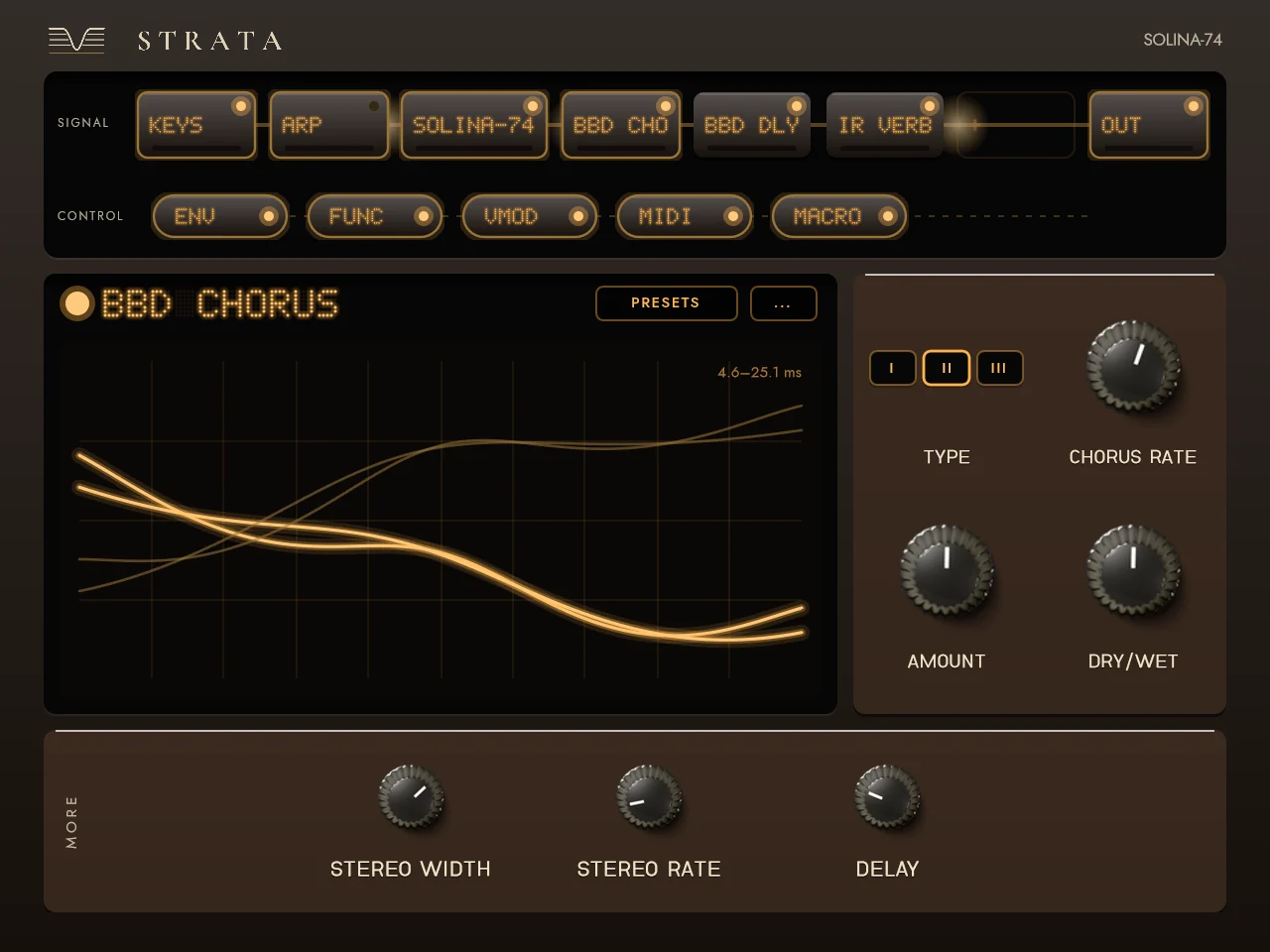
Three chorus lines, as the string machines had, turning a plain tone into a section. Crescendo and Sustain shape how it swells and lets go.
Bass on the left, strings on the right, or both everywhere. The bass has its own filter, envelope and arpeggiator.
Lift the cabinet's lid for the Advanced panel: velocity and aftertouch on level and brightness, an LFO for vibrato and tremolo, and the bass's own settings.
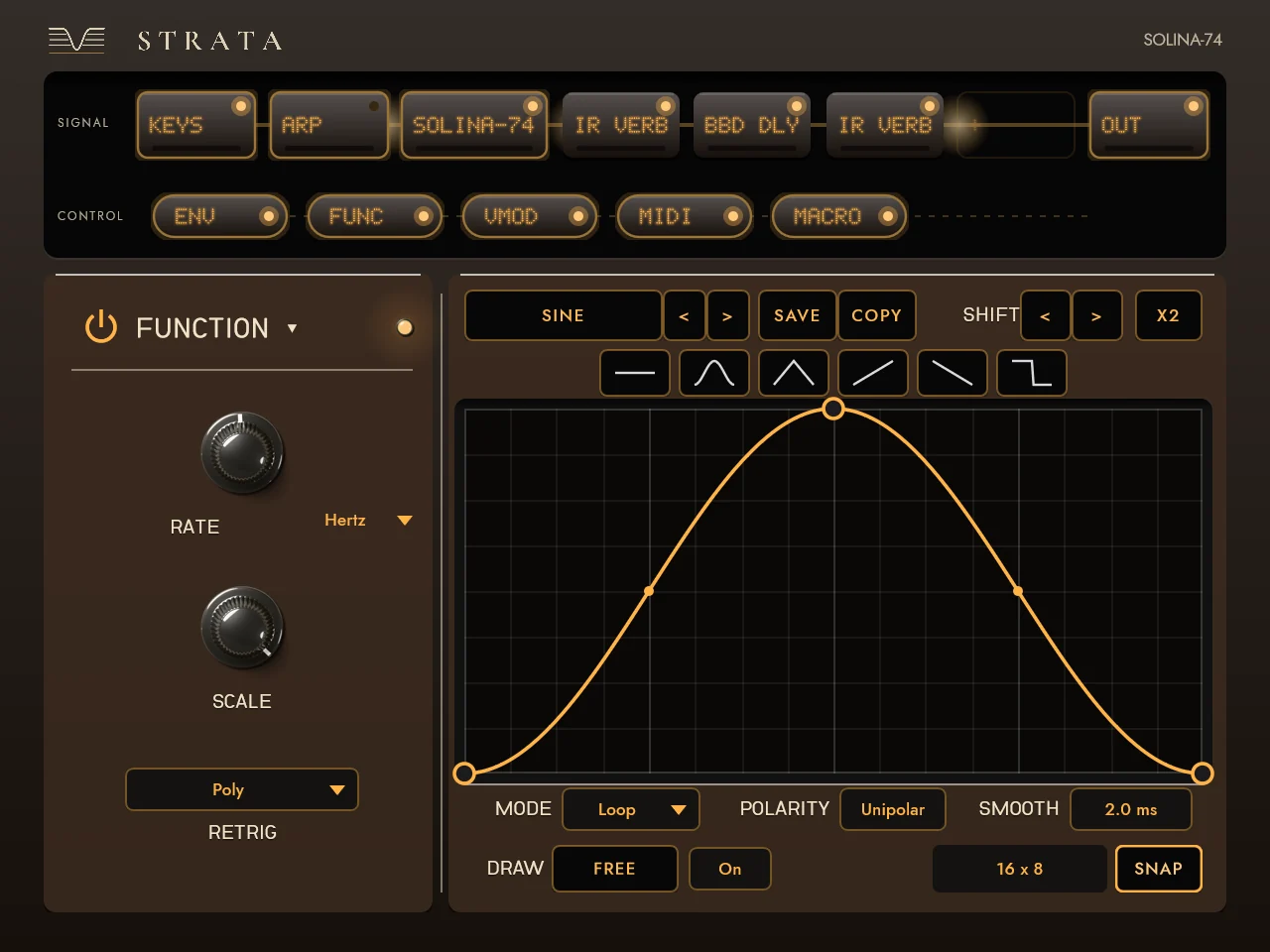
Four effect slots with twenty-two effects, three modulators, MIDI sources, four macros and the Multi-Arp, on the console beside it.
Pitch bend and mod levers, the sustain pedal, MPE with per-note bend, and MIDI Learn on every control.
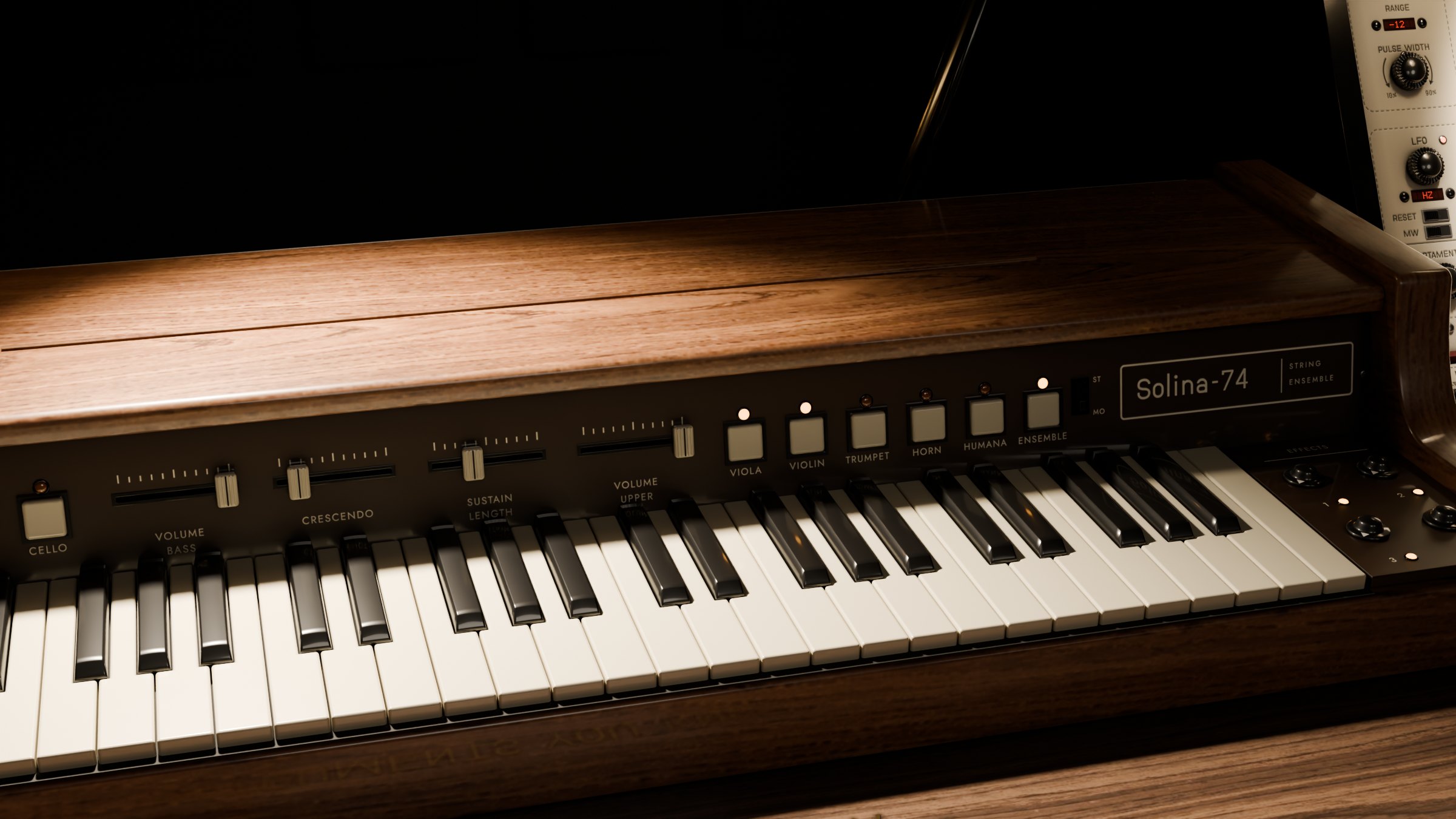
Every part of it is modelled, lit and engraved in Blender before it's a plugin: what you see in your DAW is the instrument on this bench, and the knobs turn as these do.
Press STRATA and the camera turns to the TV beside the instrument. Strata is its console: the signal as a rail of tiles, four effect slots with twenty-two effects, three modulators, the MIDI sources, four macros and the Multi-Arp. Each effect's screen shows the sound, and you work it directly.
C:\Program Files\Common Files\VST3\ (Windows asks for administrator permission).Or run Valle Solina-74.exe on its own, no DAW needed. Updating: replace the old .vst3 folder with the new one; projects and presets keep working. Your presets live in Documents\Valle Instruments\Solina-74\.
Yes. No account, no email, no trial. Download it and play.
No. Every voice is synthesised as the originals made it, a divide-down tone generator and filters, and each part is fitted to recordings of the real instrument.
The Discord is where new things are announced first, and where you can tell me what to make better.
Not on Discord? Get a short letter when there's a new instrument or a big update. Nothing else.