The voice
Two oscillators with saw and pulse and hard sync, a sub oscillator with noise, two envelopes, an LFO and drive.

Synthesizer · Free for Windows
A classic expander voice from 1974, rebuilt in software, with a filter that sweeps from lowpass through notch to highpass.
Two oscillators with saw and pulse and hard sync, a sub oscillator with noise, two envelopes, an LFO and drive.
A 12 dB state-variable filter that morphs from lowpass through notch to highpass, with a bandpass beside it.
Poly from two to eight voices, Mono and Legato with portamento, Unison with detune and spread, and Vintage: each voice a little its own.
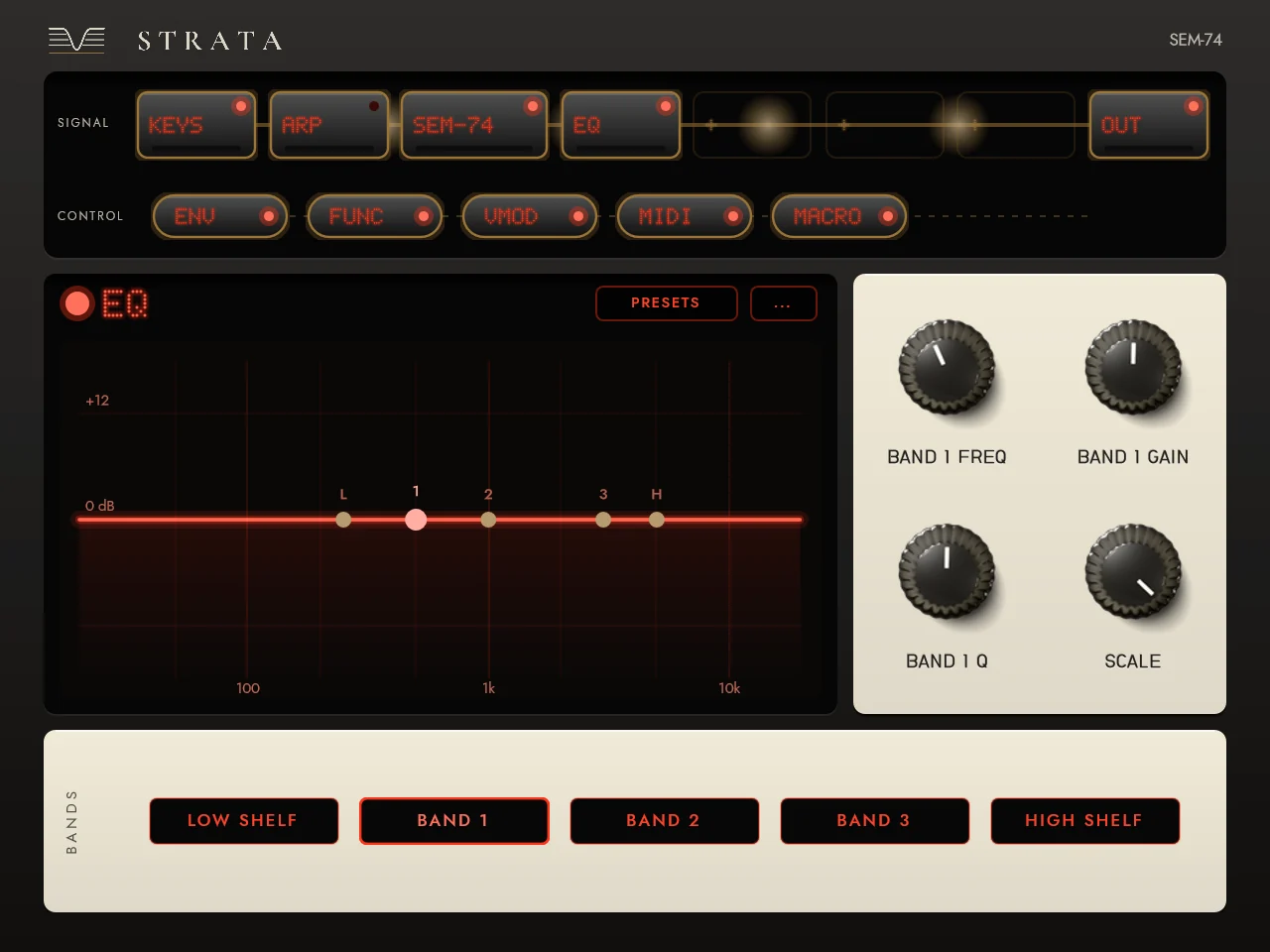
Four effect slots with twenty-two effects, three modulators, MIDI sources, four macros and the Multi-Arp, on the console beside it.
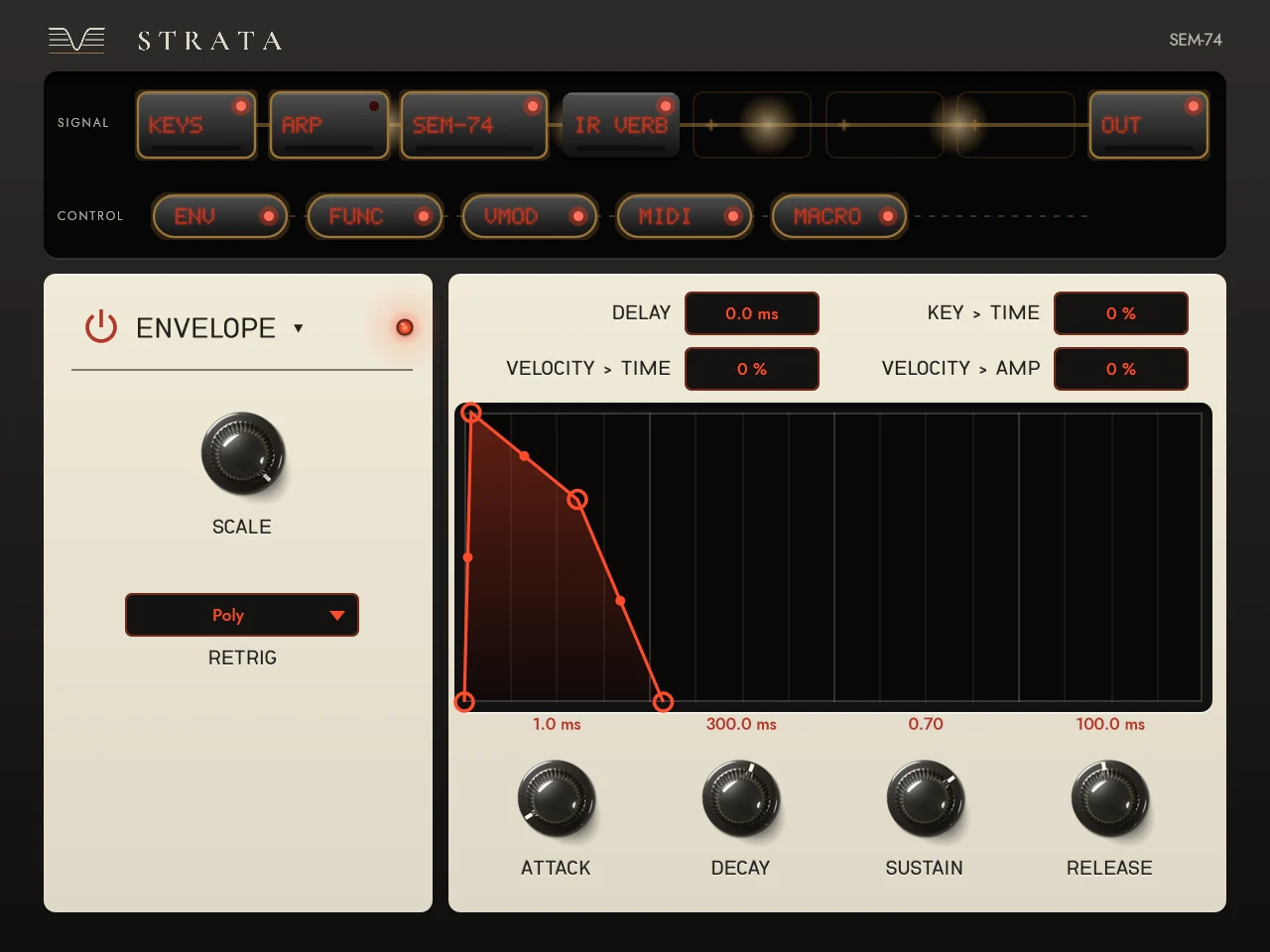
Drag a modulator onto any knob: envelopes, Functions you draw, Random, a voice modulator and a step sequencer.
Factory presets and banks, a browser with types and favourites, and undo with a history.
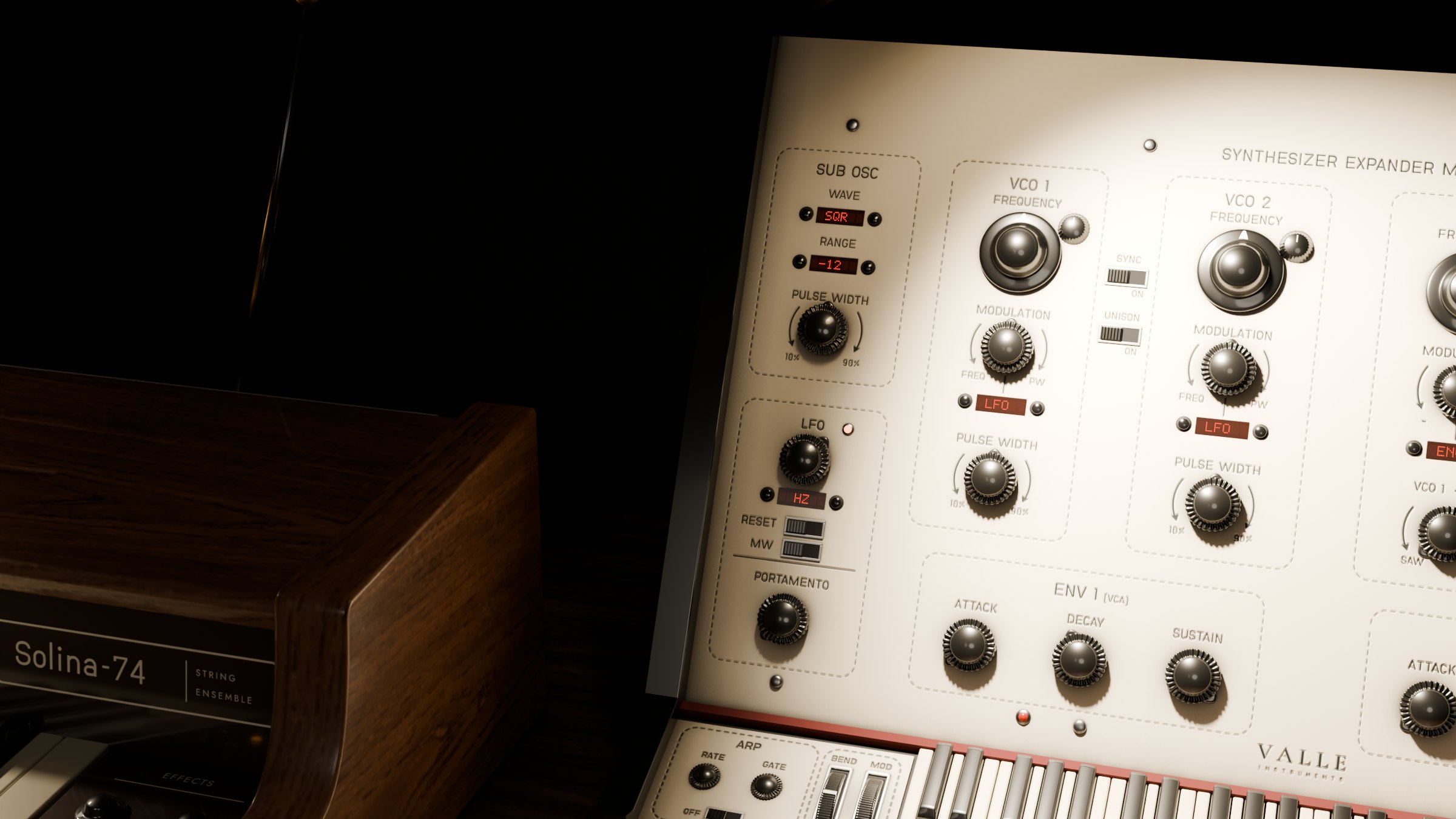
Every part of it is modelled, lit and engraved in Blender before it's a plugin: what you see in your DAW is the instrument on this bench, and the knobs turn as these do.
Press STRATA and the camera turns to the TV beside the instrument. Strata is its console: the signal as a rail of tiles, four effect slots with twenty-two effects, three modulators, the MIDI sources, four macros and the Multi-Arp. Each effect's screen shows the sound, and you work it directly.
C:\Program Files\Common Files\VST3\ (Windows asks for administrator permission).Or run Valle SEM-74.exe on its own, no DAW needed. Updating: replace the old .vst3 folder with the new one; projects and presets keep working. Your presets live in Documents\Valle Instruments\SEM-74\.
Yes. No account, no email, no trial. Download it and play.
Yes, under a new name. Delete the old "OG SEM.vst3" folder so it isn't listed twice; your projects open as before and your files move by themselves.
The Discord is where new things are announced first, and where you can tell me what to make better.
Not on Discord? Get a short letter when there's a new instrument or a big update. Nothing else.